Zendesk vs Playvox
Choose WEM software purpose-built to enhance CX, from AI-powered reporting to QA. Compare Playvox vs. Zendesk, and try a free trial of Zendesk today.
Last updated September 25, 2025
Zendesk vs Playvox: which is better?
Workforce engagement management, reporting, and the user experience—it all matters. And you need a solution that scales with you. If you’re weighing up Zendesk vs. Playvox, you're likely looking for a smarter way to manage customer service operations, without bolting on disjointed tools or drowning in manual processes.
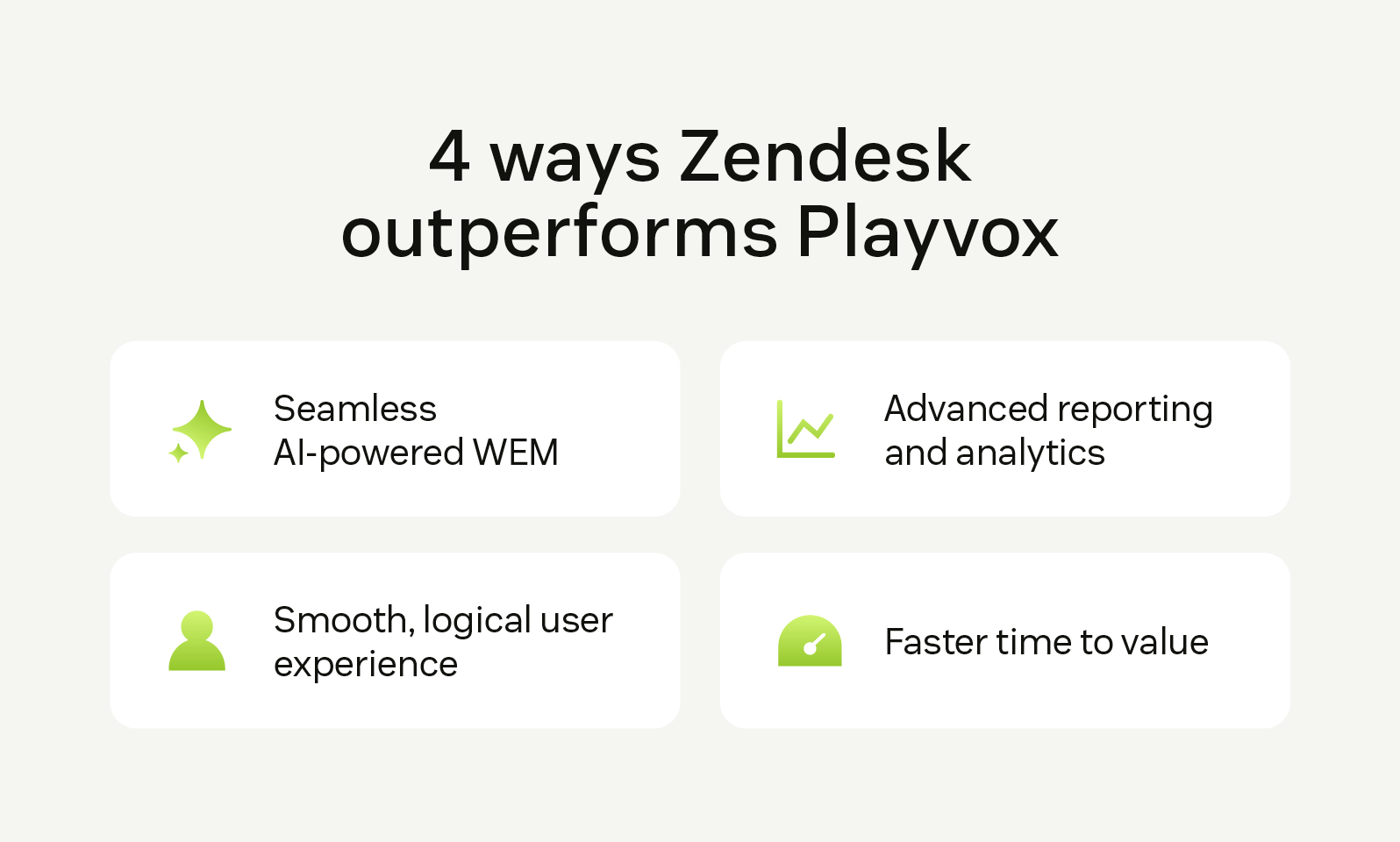
Zendesk wins on every front. With native AI-powered workforce tools, built-in analytics, and a user-first interface, it eliminates complexity and delivers value faster. Let’s have a quick look at what makes Zendesk stand out in the areas that matter most to CX managers.
AI-powered QA
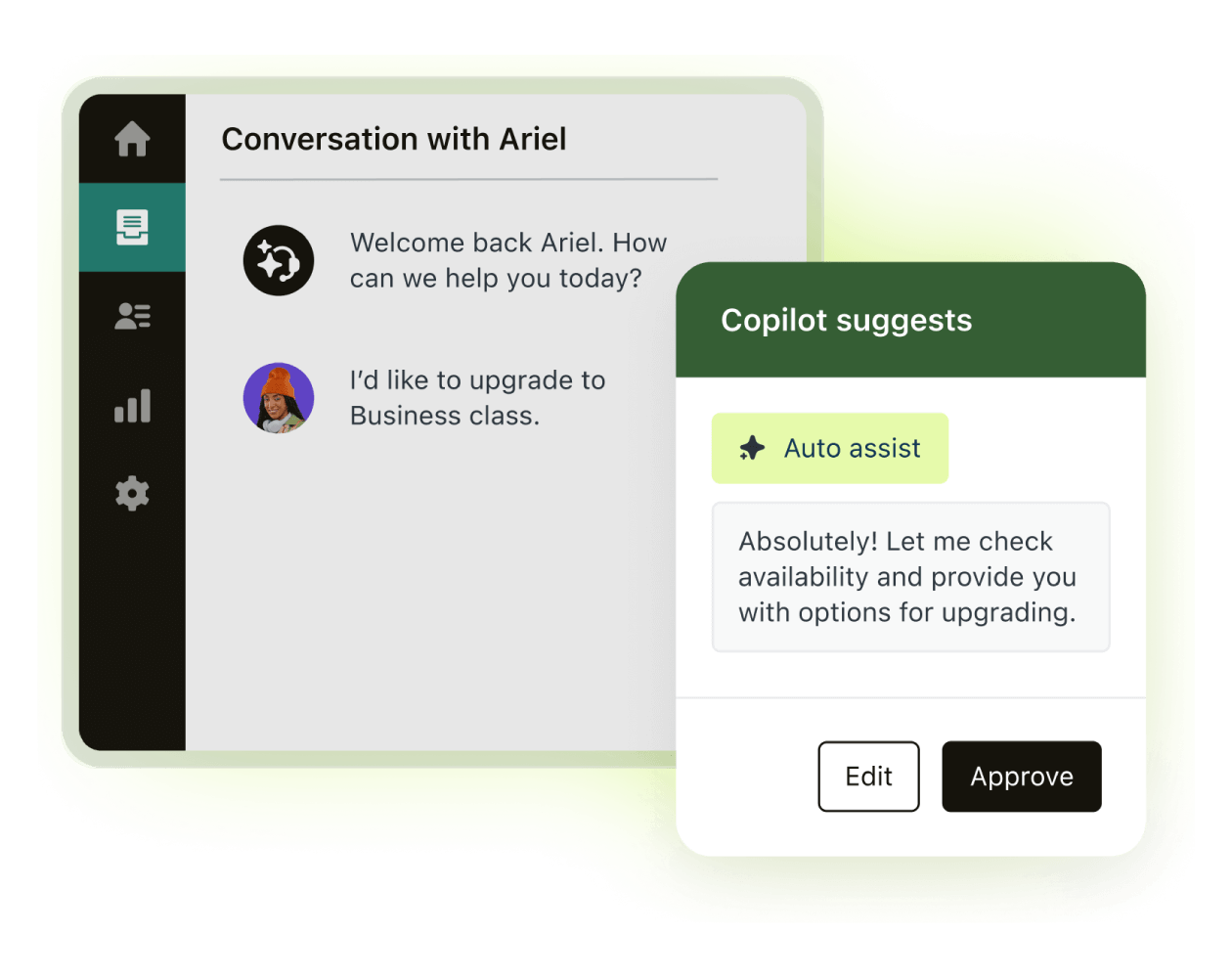
Zendesk offers fully integrated workforce engagement management (WEM)—no extra logins, no disjointed data. Its features, such as custom prompt-based AutoQA and AI-powered forecasting, give you real-time insight and actionability, without the usual overhead.
While Playvox has stepped back from AI development following its acquisition, Zendesk is doubling down, making quality assurance (QA) and workforce management (WFM) features, like smarter and faster scheduling.
Reporting and analytics
When it comes to insights, Zendesk delivers depth without the data sprawl. With granular filters, customisable dashboards, and built-in reporting across support operations, including QA and WFM, you don’t need to stitch together fragmented tools.
Zendesk lets you measure what matters, without exporting data across tabs and spreadsheets.
Agent experience
Zendesk tools are designed for clarity, not clutter. QA and WFM are embedded in the same intuitive agent workspace that your teams already use.
No overwhelming menus. No pop-up windows. Just smooth, logical workflows that help agents focus on delivering great customer experiences, without having to deal with complex tools.
Fast time to value
Zendesk gets teams up and running fast, with less training, fewer integrations, and more out-of-the-box functionality. Because WEM is native to Zendesk, there’s no time lost wiring systems together or managing vendor silos.
It’s one solution, one team, one experience—built to scale with you.
More in this guide:
- At-a-glance comparison: Playvox vs. Zendesk
- Zendesk vs. Playvox: Features comparison
- Pricing plans: Playvox vs. Zendesk
- Zendesk customer stories
- Frequently asked questions
- Try Zendesk for free
At-a-glance comparison: Playvox vs. Zendesk
Here’s a side-by-side snapshot of Playvox vs. Zendesk across the most important features:
|
Features |
Zendesk |
Playvox |
|
AI-powered forecasting |
Native + built into Zendesk WFM |
Limited development |
|
Reporting and analytics |
Unified and customisable Flexible, especially for organisations looking to deeply analyse agent behaviour, scheduling, and performance |
Siloed by feature; less granular detail |
|
Real-time activity tracking |
Central dashboard in Zendesk WFM; granular with drill-down capabilities for individual ticket details |
Requires switching views |
|
Automatic agent scheduling |
AI-driven, easy setup |
Manual adjustments are often needed |
|
AI-powered QA |
Custom, prompt-based AutoQA, customisable AI-powered conversation insights |
Lacks advanced AI support |
|
Browser extension voice QA |
Not included |
Not applicable |
|
Coaching and 1-1s |
Yes, built-in to QA |
Integrated coaching workflows |
Zendesk vs Playvox: Features comparison
Choosing Zendesk or Playvox comes down to which solution delivers smarter tools, tighter integration, and faster time to value. Let’s break down how their core features compare.
AI-powered forecasting
|
Zendesk uses AI to take the guesswork out of staffing. With intelligent AI-powered forecasting built directly into the software, you can automatically predict ticket volume, schedule agents, and reduce operational friction. It’s fast and accurate. For example, our own internal support team handles nearly 9,900 tickets per month, beating 93 percent of SLAs, thanks in part to forecasting capabilities built into Zendesk. Playvox offers forecasting, but its recent acquisition by NICE has led to a slowdown in new AI development. That leaves users relying more on manual adjustments or legacy functionality. |
Plan smarter with Zendesk WFM |
Automatic ticket scheduling
Make agent scheduling simpler with Zendesk WEM. |
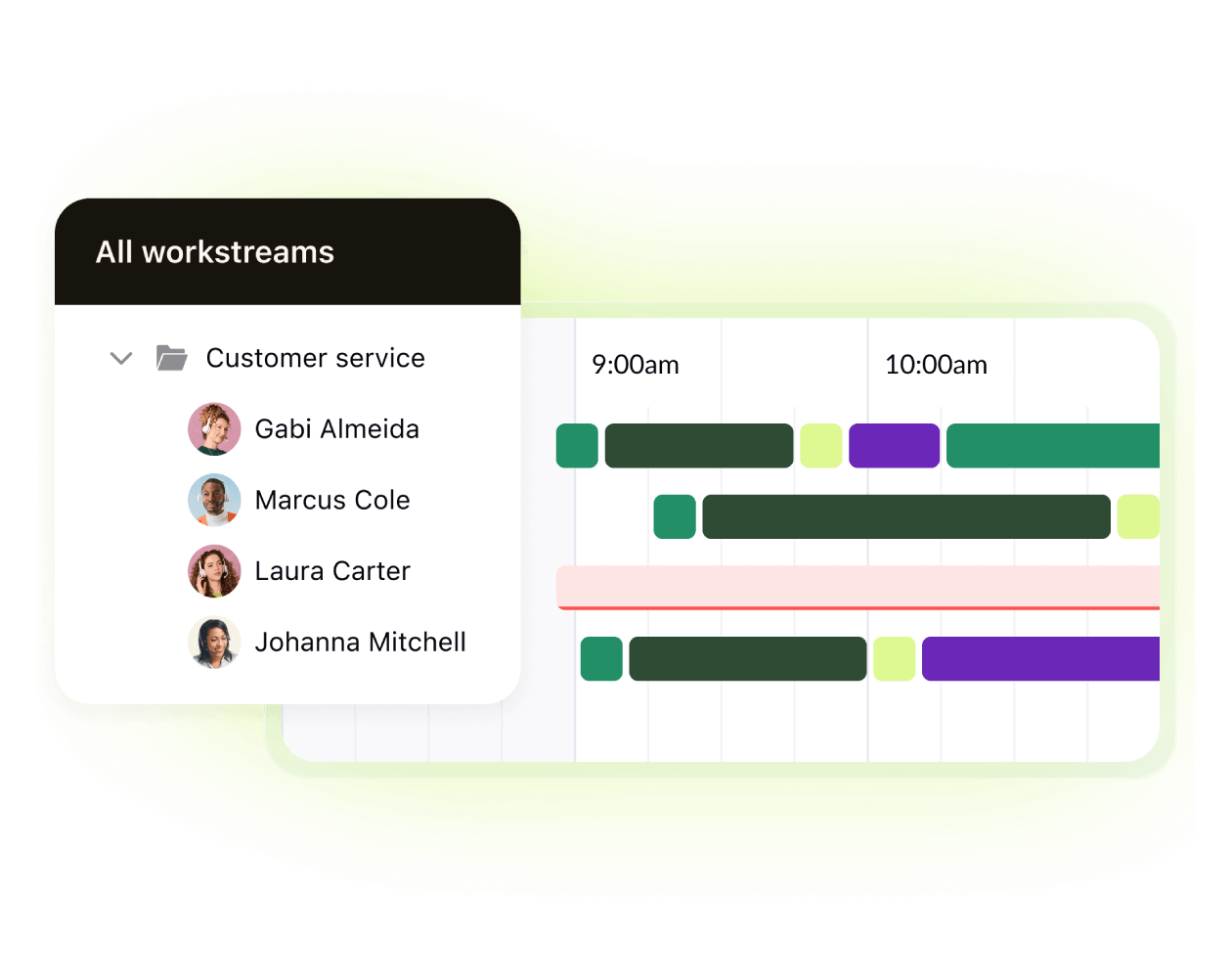
Zendesk takes manual scheduling off your plate. Using AI forecast data, it builds optimised schedules based on workload, agent availability, and operating hours. The best part: no spreadsheets. Automatic schedules and schedule adjustments are published directly in the Zendesk agent interface, avoiding context-switching into another platform. Agents can also view, swap, and request changes in the same system where they work on tickets, reducing friction. Playvox supports auto-scheduling, but setup and ongoing adjustments require more effort. Users often report needing to manually tweak settings to get accurate outcomes. The tool often requires agents to work in a separate WFM tool or portal. |
Advanced reporting
|
Zendesk gives you analytics that go beyond surface-level. Built-in dashboards and customisable reports across QA, WFM, and support tickets make it easy to uncover trends, optimise performance, and drive decisions. So, you don’t need to depend on external tools or deal with disjointed data. Playvox includes reporting, but it's often siloed by feature and lacks the same level of customisation. Some users find the tool buggy and note that exporting data for broader insights takes more time and effort. |
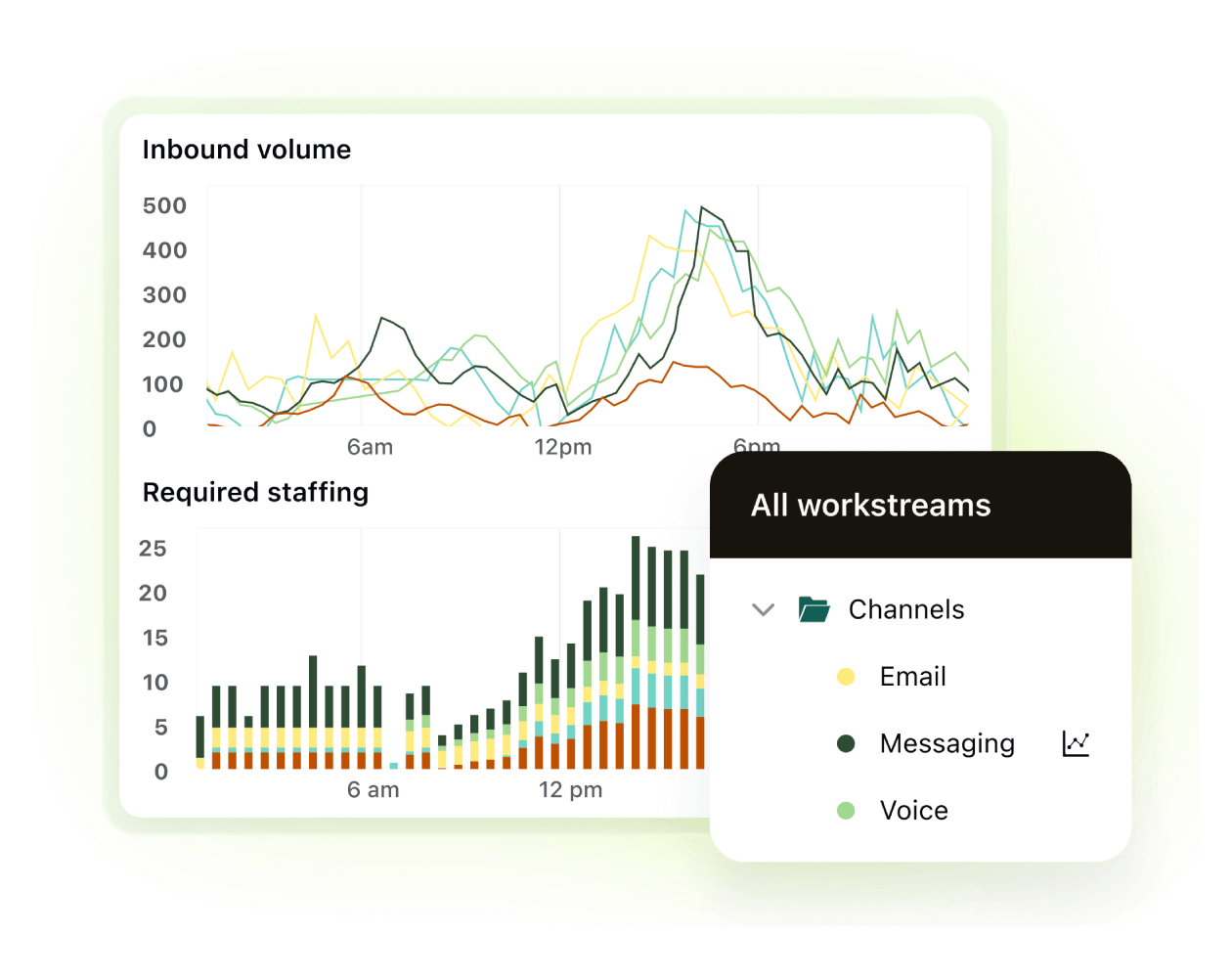
Dive deeper into Zendesk AI . |
Real-time activity tracking
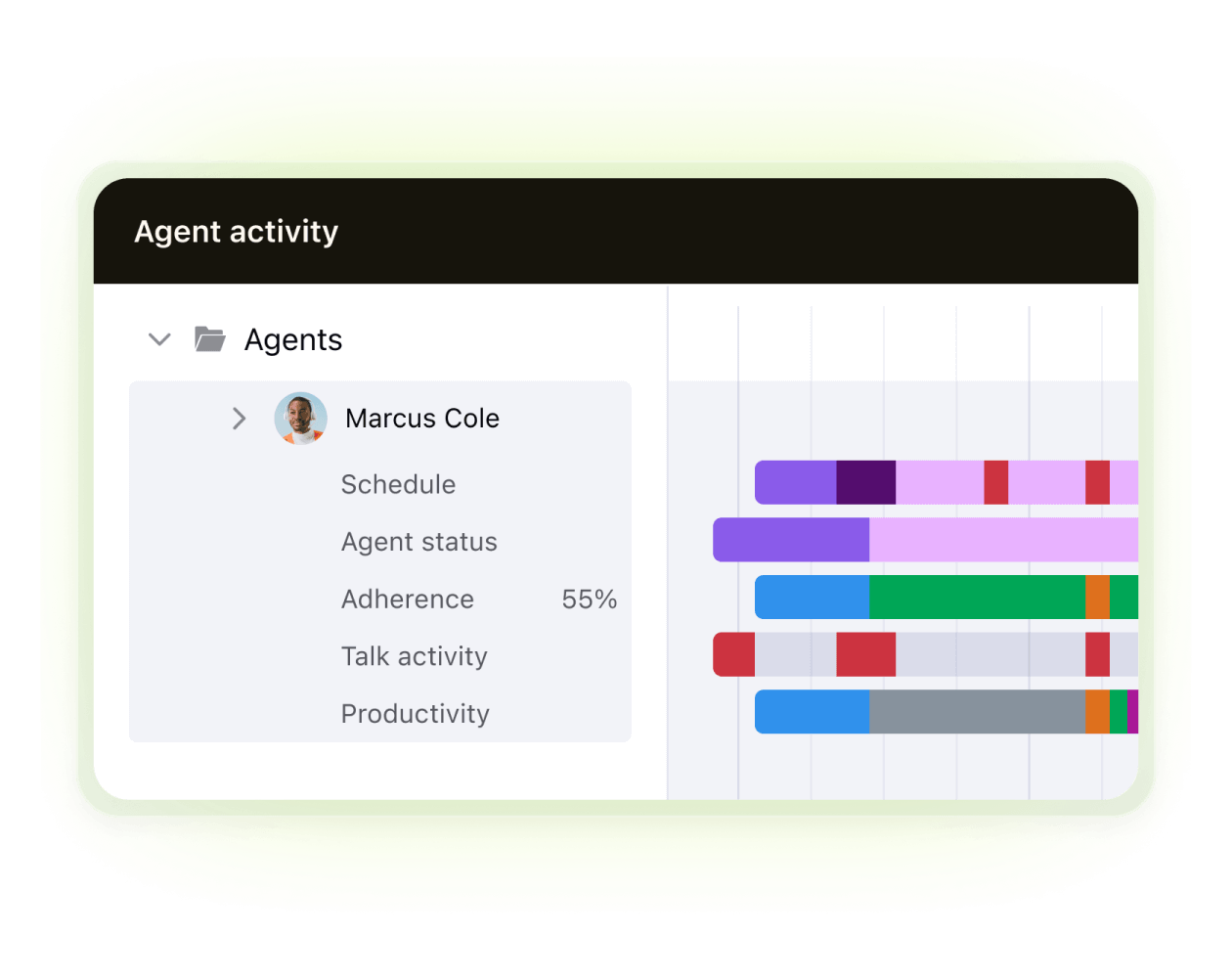
Stay in control with real-time activity tracking offered by Zendesk WFM. |
Zendesk gives you a live view of queues, agent status, and team performance, right from a central dashboard. Whether you're adjusting staffing or spotting potential issues, you can act at the moment, not after the fact. Playvox includes activity tracking, but it’s often disconnected from the main workspace. Jumping between modules can delay decisions and reduce overall visibility. |
AI-powered QA
|
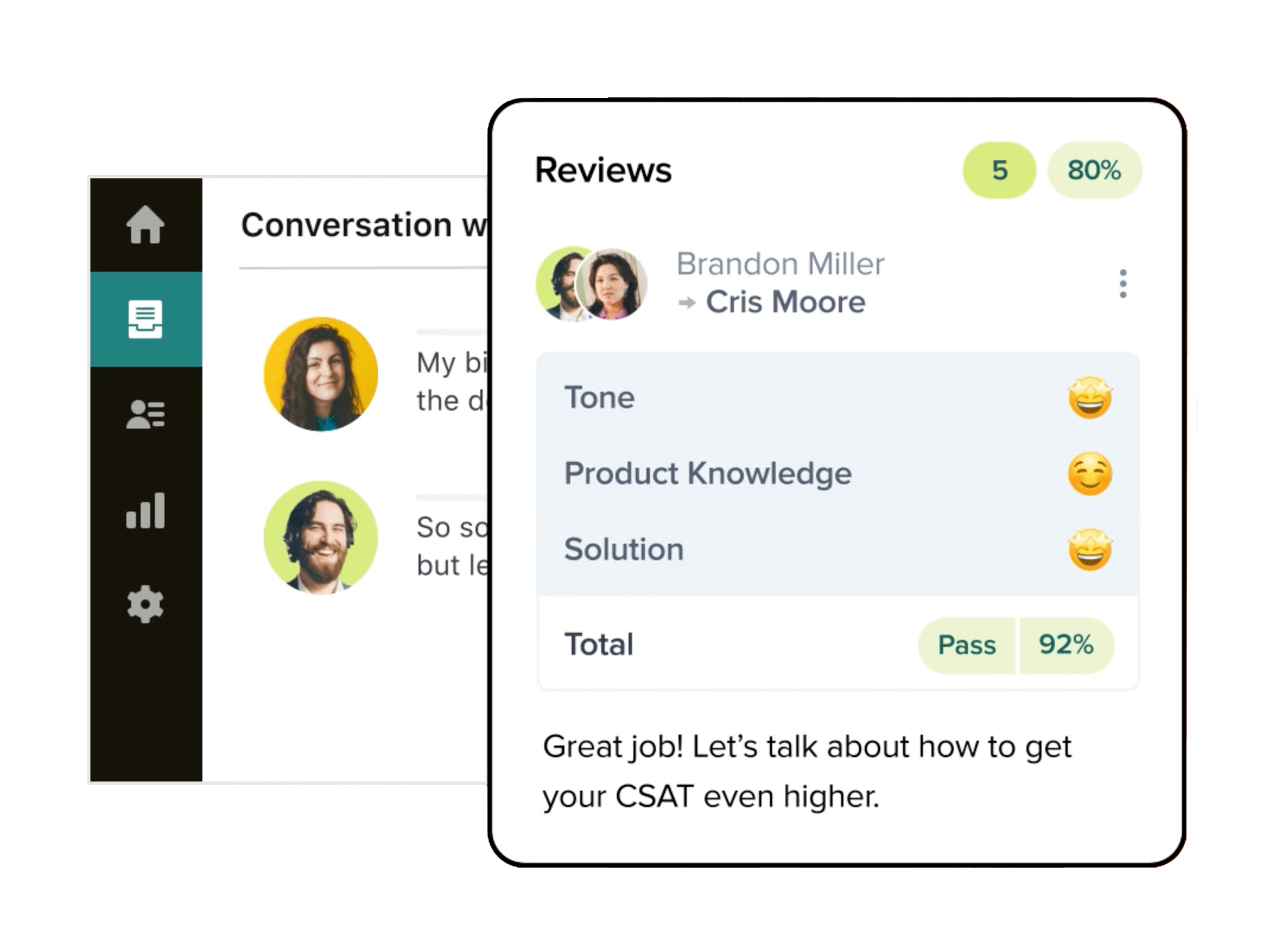
As customer service QA software, Zendesk QA uses AI to review and score conversations at scale. With custom, prompt-based AutoQA and Spotlight insights, you can automate QA and flag coaching opportunities without slowing agents down. In fact, customers with QA report 2x faster onboarding, and Zendesk’s internal support team uses this approach to maintain a 98 per cent employee satisfaction score (ESAT) while handling thousands of tickets monthly. Playvox includes QA tools, but AI support is limited. After its NICE acquisition, the roadmap for AI-driven quality assurance has become less of a focus. |
Deliver a consistent CX with Zendesk QA. |
3CX browser extension
Review customer support interactions anywhere with Zendesk QA’s browser extension |
Zendesk QA includes a browser extension that enables you to review, score, and leave feedback on all customer interactions, allowing customers to broaden the QA scope and review any conversation–from social media pages to review platforms. This streamlines QA across channels, offering customers full view. Zendesk QA and WFM also include browser extensions that enable you to monitor performance insights and track back office activity when agents need to do back office activity in other tools. Playvox does not offer a browser extension |
Coaching and 1-1s
|
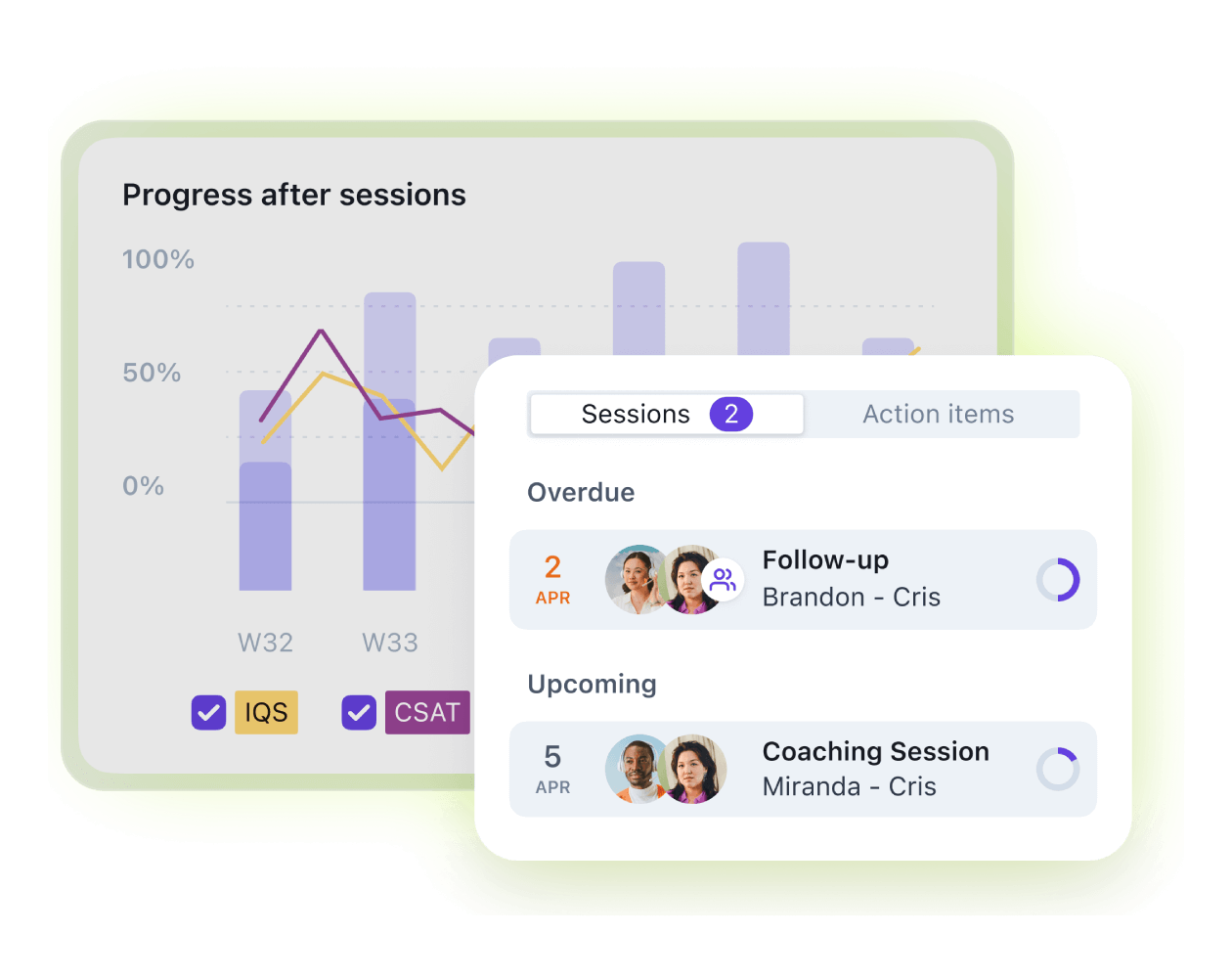
As a customer service coaching solution, Zendesk makes one-on-ones seamless by connecting QA insights directly to agent performance. Managers can quickly turn flagged interactions into coaching moments, track progress over time, and schedule sessions without leaving the Zendesk workspace. This integrated approach means feedback is always tied to real conversations, helping teams boost performance while improving engagement. Playvox offers one-on-one and coaching features, but they sit outside the core agent workflow. Managers often need to switch between tools, which slows down feedback loops and makes it harder to connect coaching to daily customer interactions. As part of NICE, Playvox’s focus has shifted, leaving less emphasis on delivering a tightly integrated coaching experience. |
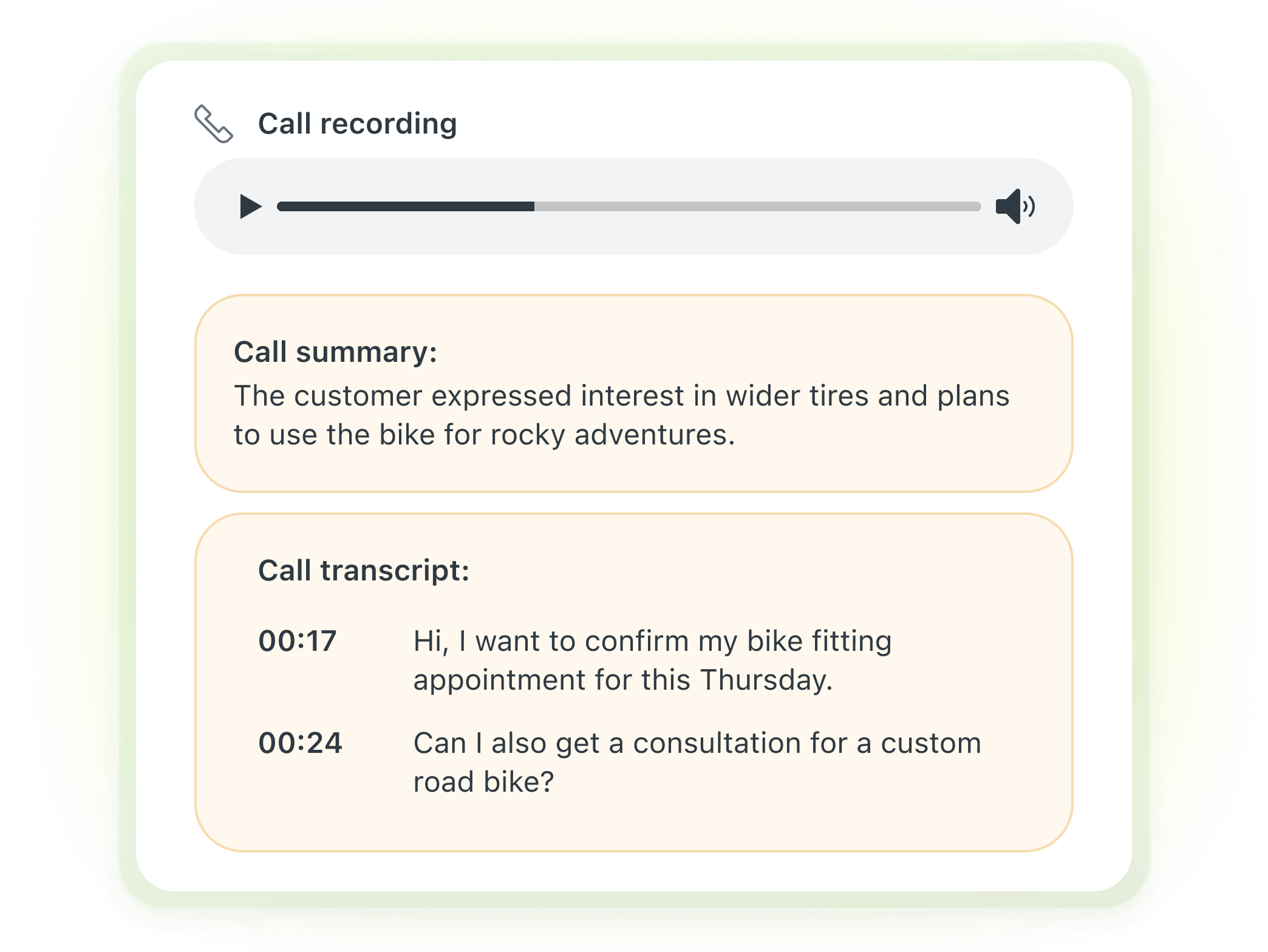
Offer coaching to all agents with Zendesk QA |
Pricing plans: Playvox vs. Zendesk
|
Zendesk (billed annually) |
Playvox (billed monthly) |
|
|
|
*Plans are billed annually. | |
Zendesk delivers a clear total cost of ownership (TCO) with built-in tools and transparent pricing across all tiers. QA and WFM offer a simple, all-inclusive pricing and, if bundled together, a noticeable discount.
Playvox, on the other hand, separates key capabilities across multiple packages, with omnichannel and AI tools only available in higher, more expensive tiers, up to $249 per agent per month.
To match Zendesk’s WEM capabilities, you often need to bundle both Playvox’s and multiple NICE Mpower packages or negotiate enterprise quotes. That kind of complexity drives up costs and slows down time to value.
Zendesk customer stories
Across industries and team sizes, organisations choose our quality management software to elevate performance, streamline workflows, and deliver standout customer experiences. Here’s what a few of our clients have to say about their experience with Zendesk:
Kahoot! + Zendesk: Service excellence
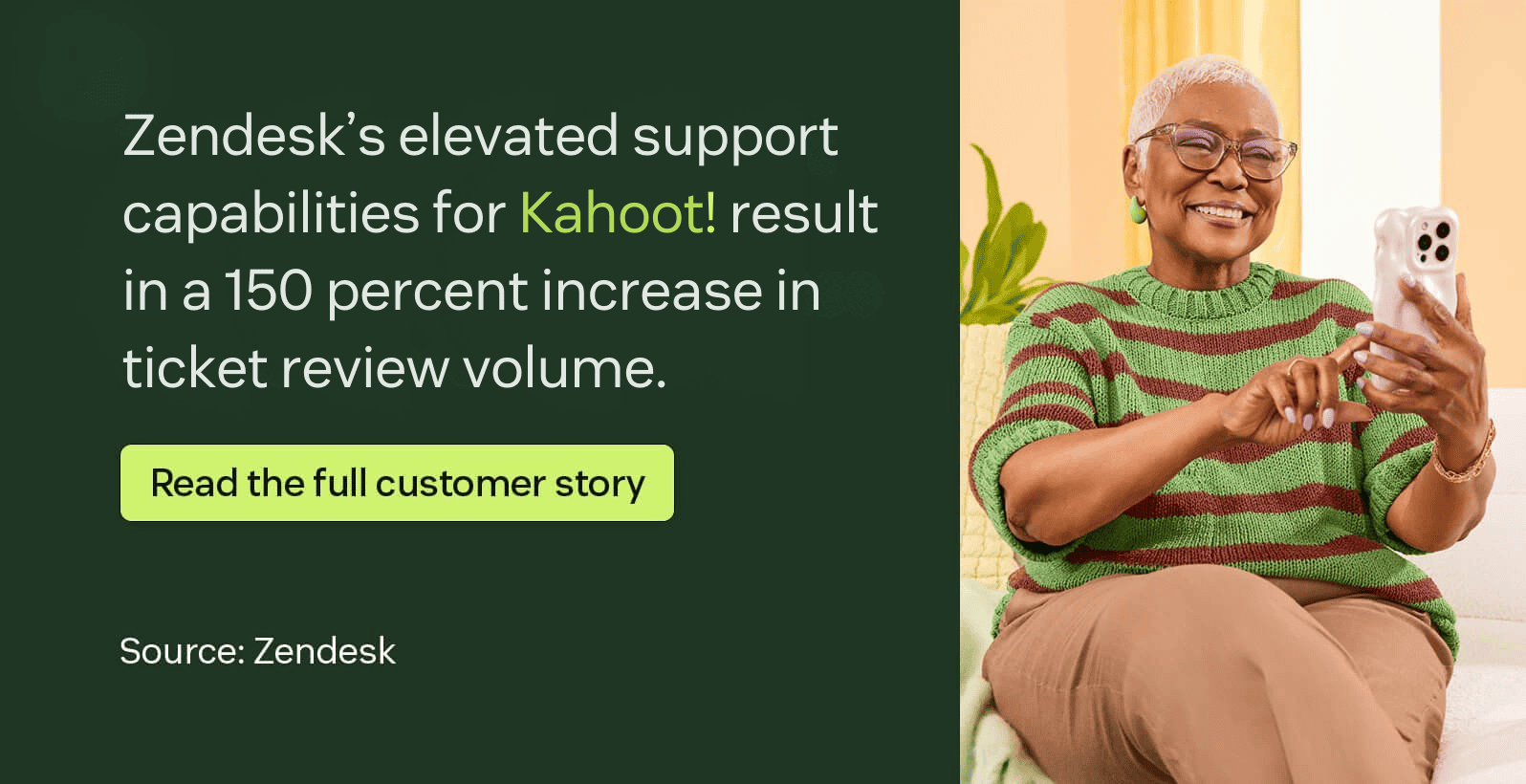
Kahoot!, a game-based learning platform, needed a solution to support its fast-growing global user base while maintaining service excellence. Zendesk gave its team the insight and tools to prioritise performance and quality.
“Zendesk QA helps agents see how important quality is—not just for the company, but for themselves.”
—Filip, senior quality and training specialist at Kahoot!
Conservice + Zendesk: Quick response times
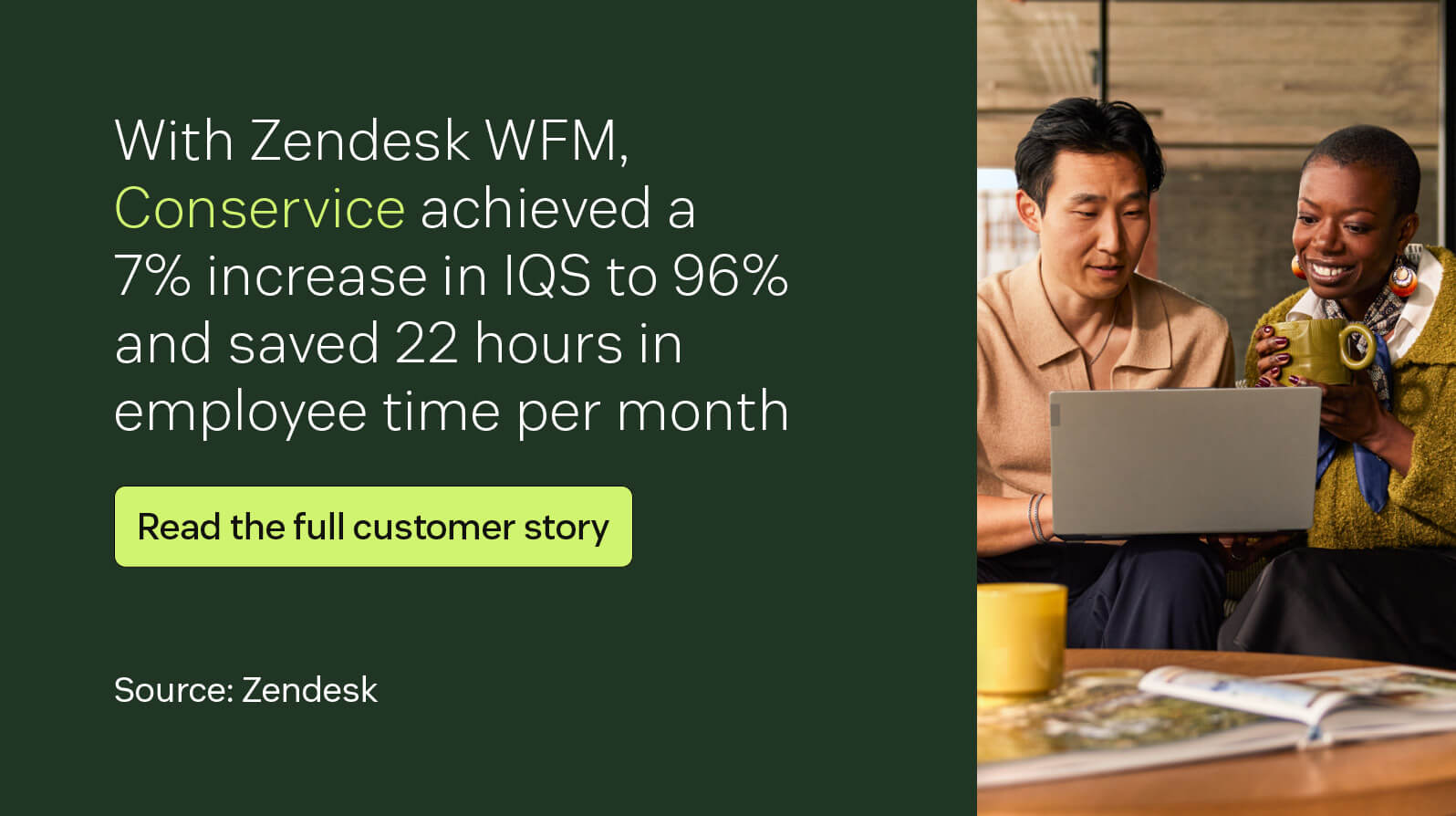
Conservice, the largest utility management and billing company in the United States, scaled quickly, and its customer service team needed smarter staffing decisions backed by data. Zendesk WFM provided the clarity they needed to stay efficient and meet SLAs.
“Zendesk WFM helped us determine what type of FTE we need for each part of each day, so we can meet the expected response times for emails and hit the expected hold times for chat and phone.”
— Jesse Barlow, senior team lead, customer service at Conservice
Liberty + Zendesk: Consistent, high-quality CX
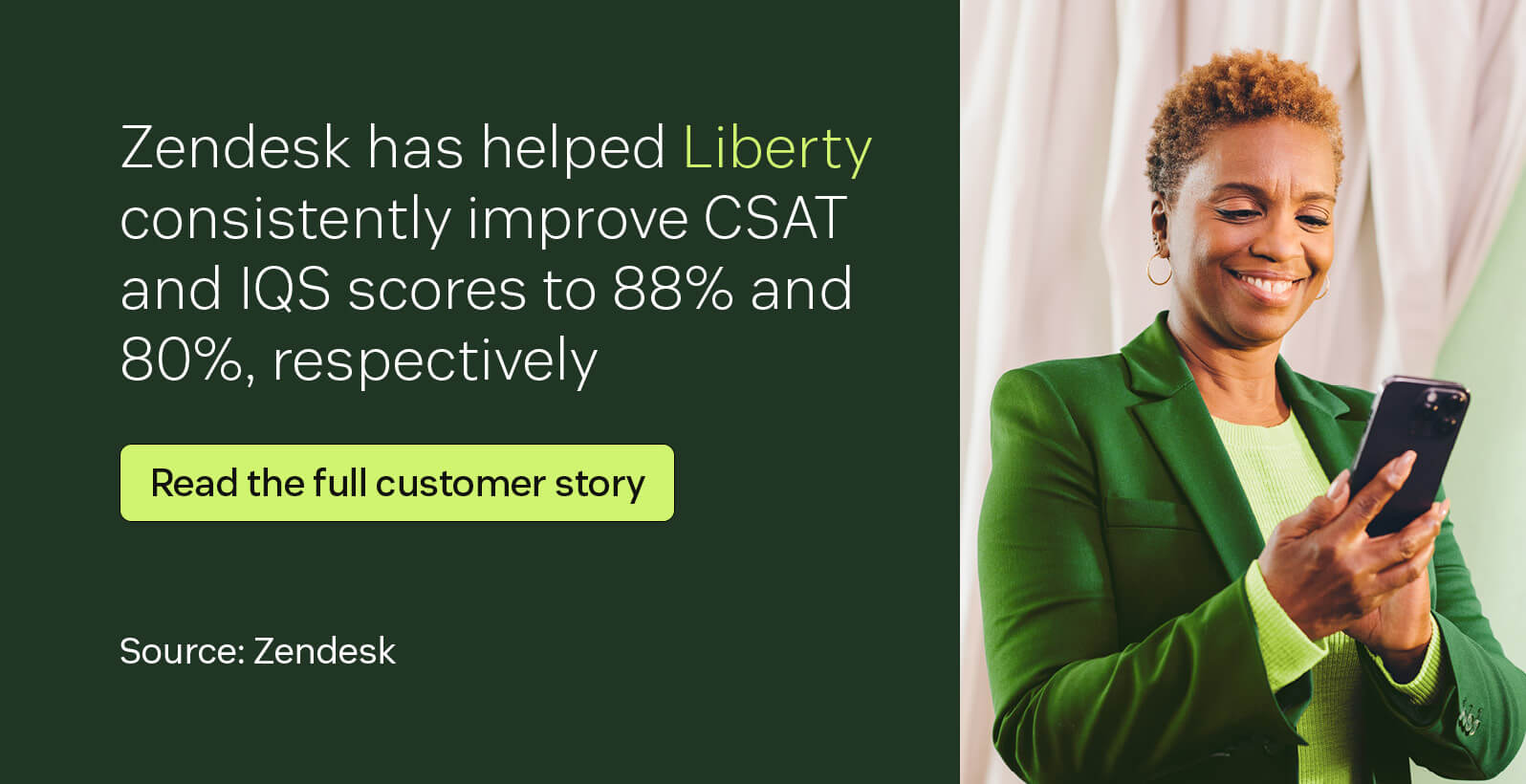
The mission of the renowned luxury goods company, Liberty, to deliver reliable, always-on service meant it needed a way to ensure consistency across every interaction. Zendesk QA became its framework for continuous improvement.
"We need to provide great customer service 100% of the time. Zendesk QA has helped us maintain focus on the consistency of quality and identify specific areas where we need to improve."
– Sophie Elgar, Quality and Training Manager at Liberty
Frequently asked questions
Try Zendesk today
Zendesk gives you everything you need to run a high-performing support team—our WEM capabilities include AI-powered forecasting, real-time insights, smart scheduling, and built-in QA.
Unlike other solutions that rely on third-party add-ons or complex pricing tiers, Zendesk delivers a seamless, scalable solution built for speed and simplicity. Start your free trial and experience the difference.
Zendesk vs. the rest: Compare the software
Compare Zendesk with top competitors and find out which tool delivers the most value, speed, and simplicity.
Related posts

AI agent vs. AI chatbot: Key differences and features
Customer service technology has come a long way since the days of endless hold music and…

What is workforce management (WFM)?
If you have employees, you need a workforce management strategy. Our guide dives into the basics of WFM so you can implement it within your business.

Elevate the quality of your customer support with Voice QA and QA for AI agents
Introducing the latest advancement in our AI-powered QA solutions: Voice QA and QA for AI agents, ensuring consistency across 100 percent of your support channels.

AI in customer service quality assurance: A complete guide
AI in quality assurance can evaluate 100 percent of customer interactions, identify problematic cases and uncover training opportunities to elevate your CX.