Best customer journey analytics software: Top 6 tools in 2026
Compare leading journey analytics platforms by CX use case, key features, pricing approach, and what to evaluate before you buy.

Last updated October 14, 2026
What are customer journey analytics?
Customer journey analytics is the quantitative practise of collecting and connecting customer interactions across channels and time. It shows how customers move through web, app, email, support, call centre, store, and other touchpoints tied to a customer identity. Unlike session or channel reporting, customer journey analytics reveals sequential behaviour, including where customers convert, abandon, return, or need support.
Customers rarely move in straight lines. They browse, compare, ask questions, switch channels, pause, return, and expect every interaction to pick up where the last one ended. For CX leaders, that creates a difficult question: where does the journey actually break down?
Customer journey analytics software replaces guesswork with measurable touchpoints. It connects behaviour across channels, so teams can see where customers get stuck, what drives repeat contacts, and which moments shape satisfaction or loyalty. Those insights matter because fragmented journeys create friction customers feel immediately.
The best tools don’t stop at visibility. Instead, they surface patterns teams can act on, from broken self-service paths to recurring support issues. This helps leaders prioritise investments that improve conversion, retention, customer satisfaction, and service quality.
In this guide, we’ll explain how to evaluate customer journey analytics tools and compare top software options. We’ll also explore how Zendesk turns journey insights into action across service, support operations, AI, knowledge, and analytics.
More in this guide:
- How to evaluate customer journey analytics tools
- Best customer journey analytics software comparison chart
- Top 6 customer journey analytics software solutions
- Frequently asked questions
- Turn customer journey insights into action with Zendesk
How to evaluate customer journey analytics tools
The best customer journey analytics software depends on your goals, data maturity, and operational needs across channels like email,live chat, voice, and self-service. Start by defining what your team wants to improve, then evaluate each platform against your business priorities, integrations, scalability requirements, and team workflows. The right tool should do more than show where customers struggle. It should connect insights to the systems your teams use to reduce friction and improve outcomes.
Align platform capabilities with business goals
Before comparing tools, define the outcomes your team wants to improve. You may want to increase retention, reduce churn, improve conversion, or raise customer satisfaction. Service teams may also focus on faster resolutions, fewer repeat contacts, or better self-service performance.
Those goals should shape your software criteria. Avoid choosing tools based on features alone. The best platform connects journey insights to measurable outcomes your team already tracks.
Evaluate data complexity and scalability requirements
Customer journeys become harder to analyse as teams add channels, products, regions, and customer segments. A smaller business may only need visual journey maps and basic channel reporting. Larger teams may need real-time analytics, predictive insights, and enterprise-grade data modeling.
Choose a platform that fits your current maturity without limiting future growth. Teams can start with simpler analytics and expand into more advanced capabilities over time. The goal is to scale visibility without adding unnecessary complexity.
Prioritise integrations and data connectivity
Customer journey analytics rely on connected data. Look for native integrations with your support platform, customer relationship management system, marketing tools, product analytics, and feedback sources. These connections create a more complete view of each customer’s experience.
Disconnected data creates blind spots. A customer may abandon a purchase after a confusing support interaction, not a broken checkout flow. Strong integrations turn customer journey analytics from reporting into continuous improvement.
Assess governance, security, and operational fit
Customer journey analytics tools handle sensitive customer data, so governance matters from the start. Evaluate access controls, privacy features, data quality management, and reporting standards. Teams should know who can view, change, export, or act on customer data.
Operational fit is just as important. A powerful platform may fall short if it requires heavy technical support or disrupts existing workflows. The right tool should match your resources, processes, and compliance requirements.
Best customer journey analytics software comparison chart
Compare the best customer journey analytics software by use case, features, and ideal fit. Use this chart to narrow your options before reviewing each platform in more detail.
|
Software |
Best for |
Starting price |
Free trial |
|
Zendesk |
Turning service journey insights into action |
£15 per agent/month (billed annually) |
14 days |
|
Adobe Customer Journey Analytics |
Enterprise cross-channel journey analysis |
Custom pricing |
Unavailable |
|
Kubit |
Warehouse-native product journey analytics |
£0 for solo users |
30 days |
|
TheyDo |
Collaborative journey management |
Custom pricing |
30 days |
|
Quantum Metric |
Digital experience analytics |
Custom pricing |
30 days |
|
JourneyTrack |
Governed journey decision-making |
From $35K/year (about 26K £) |
30 days |
Top 6 customer journey analytics software solutions
Customer journey analytics tools vary widely in scope, from service-focused platforms to marketing and product analytics solutions. The best choice depends on which journeys your team needs to understand, how much data you manage, and how quickly you need to act on insights. Below, we compare six customer journey analytics software solutions based on their strengths, ideal use cases, and fit for different teams.
- Zendesk: Best for turning service journey insights into action
- Adobe Customer Journey Analytics: Best for enterprise cross-channel journey analysis
- Kubit: Best for warehouse-native product journey analytics
- TheyDo: collaborative journey management
- Quantum Metric: Best for digital experience analytics
- JourneyTrack: Best for governed journey decision-making
1. Zendesk
Best for turning service journey insights into action
|
Starting price |
Free trial |
Key features |
|
£15 per agent/month billed annually Explore more Zendesk pricing plans. |
14 days |
|
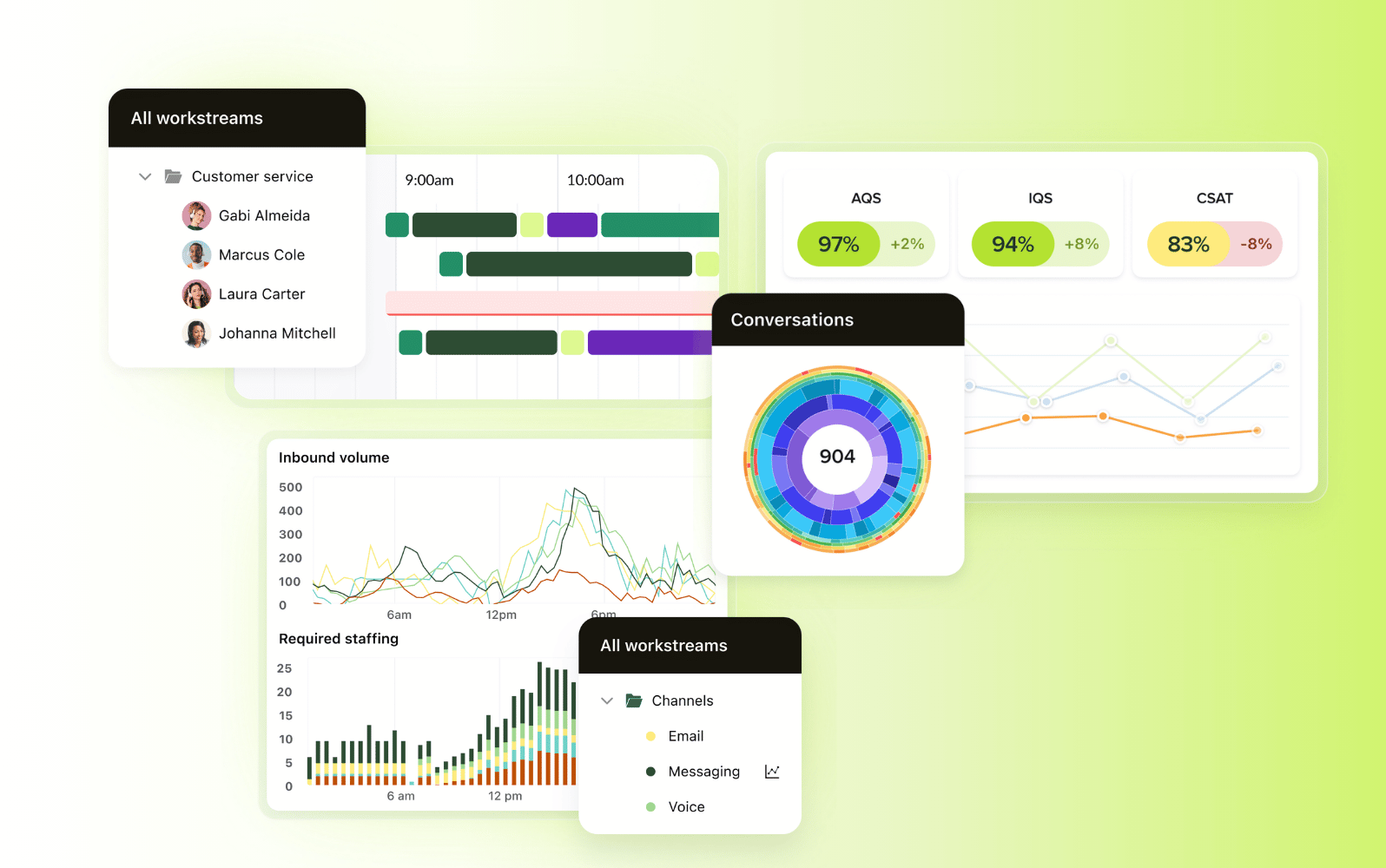
Zendesk helps service teams understand where customers experience friction and act on those insights faster. It brings customer conversations, support history, quality signals, AI performance, and operational data into one platform. This gives CX leaders a clearer view of service journeys across channels, teams, and touchpoints.
With Zendesk, teams can monitor live dashboards, track service trends, detect anomalies, and analyse key metrics like ticket volume, agent workload, and customer satisfaction. AI-powered insights surface recurring issues, knowledge gaps, churn risks, and workflow bottlenecks. These capabilities connect journey analytics to the service moments that shape retention, loyalty, and customer satisfaction.
Zendesk stands out because it connects analytics with action. Teams can use insights to improve self-service, refine their knowledge base, automate workflows, coach agents, and monitor service quality across AI and human interactions. The Zendesk Resolution Platform also brings together AI agents, copilots, knowledge, actions, governance, and insights into one system designed to improve every resolution over time.
|
Pros |
Cons |
|
|
What people are saying:
- "Centralised support with superior AI and reporting." - Verified user, G2.
- "Adaptable Zendesk workflows with a unified dashboard across support teams." - Verified user, G2.
- "Powerful and scalable support platform with strong automation." - Verified user, G2.

See customer journeys more clearly with Zendesk
Explore how Zendesk helps you connect customer interactions, uncover friction points, and improve experiences across every touchpoint.
2. Adobe Customer Journey Analytics
Best for enterprise cross-channel journey analysis
|
Starting price |
Free trial |
Key features |
|
Custom pricing |
Unavailable |
|
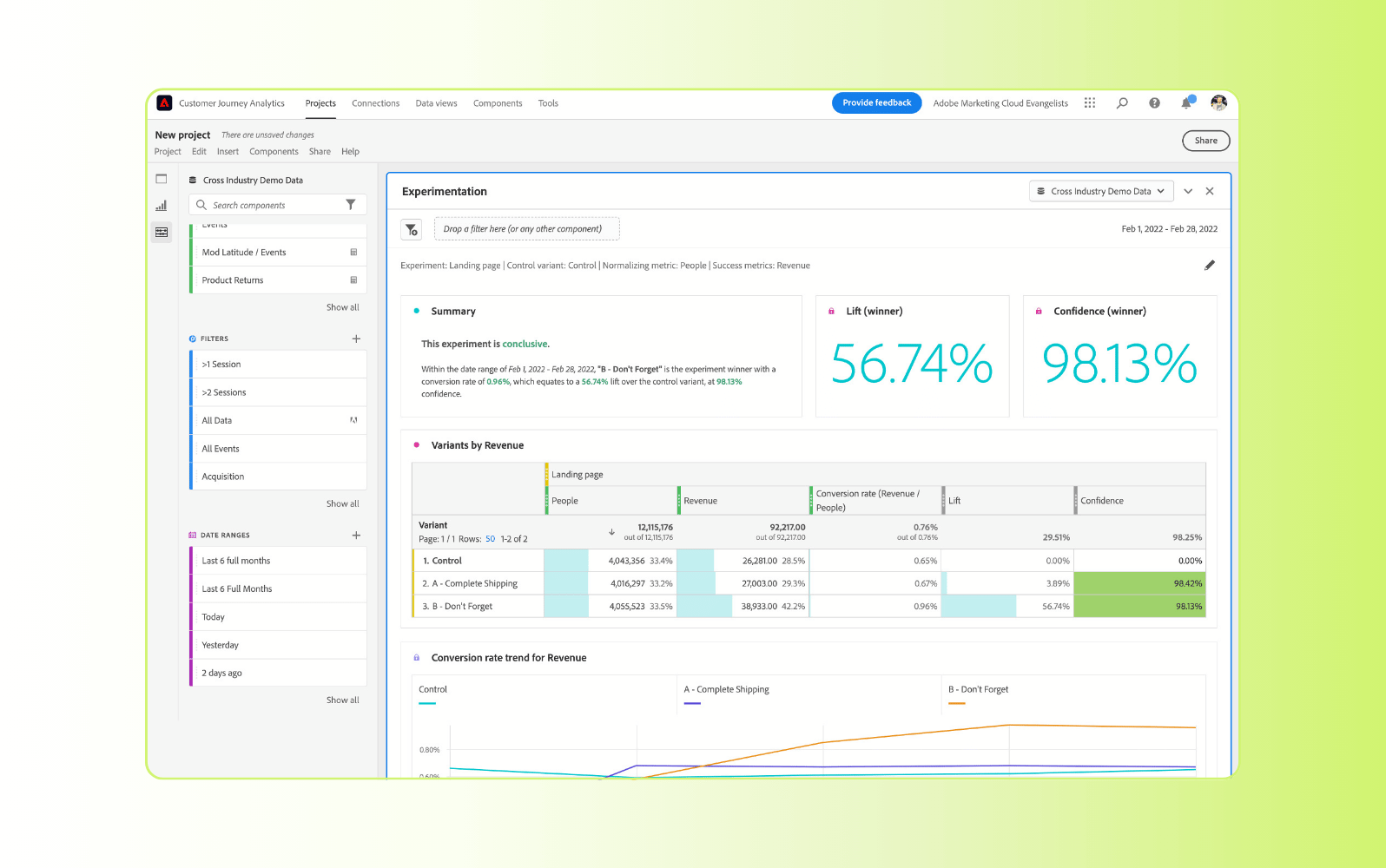
Adobe Customer Journey Analytics is an enterprise analytics platform for connecting customer data across channels. It lets teams analyse online and offline interactions from sources like web, mobile, call centre, point-of-sale, and other customer datasets to better understand behaviour across the journey.
Teams use Adobe Customer Journey Analytics to build visual reports, explore customer paths, segment audiences, and analyse attribution across connected datasets. However, the platform may require significant implementation resources, making it better suited to organisations with mature data operations and dedicated analytics support.
|
Pros |
Cons |
|
|
What people are saying:
- "Powerful analytics with a steep learning curve." - Verified user, G2.
- "Customizable insights with room for UI improvement." - Verified user, G2.
- "Unified customer insights with room for improved onboarding." - Verified user, G2.
3. Kubit
Best for warehouse-native product journey analytics
|
Starting price |
Free trial |
Key features |
|
£0 for solo users |
30 days |
|
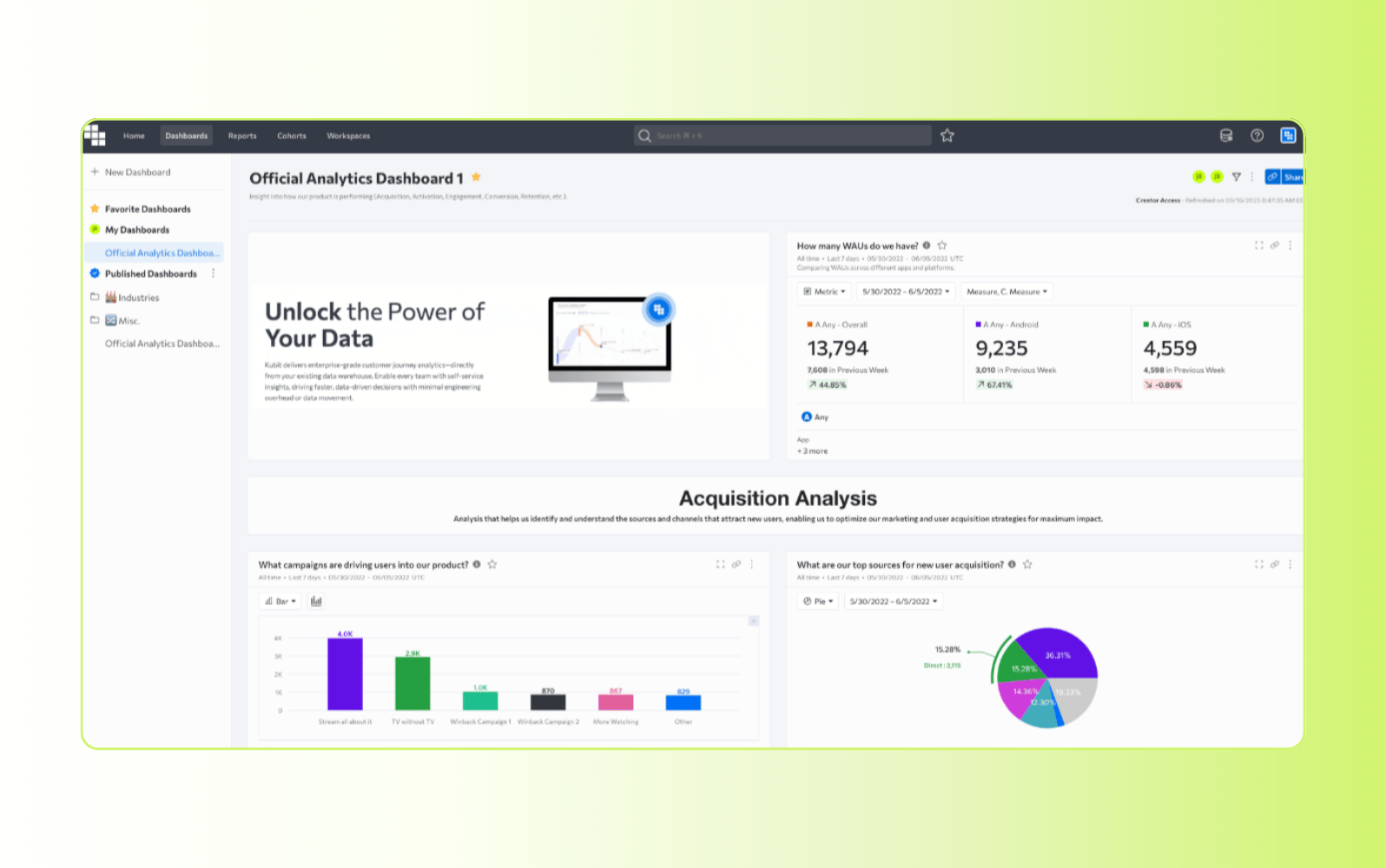
Kubit is a product and customer journey analytics platform that connects directly to an organisation’s cloud data warehouse. It gives product, data, and growth teams a way to analyse user behaviour, product adoption, retention, funnels, paths, cohorts, and business metrics without moving data into a separate analytics system.
Teams can use Kubit to explore customer journeys with self-service reports, AI-generated summaries, and natural-language questions. However, Kubit is best suited to organisations that already have a strong data warehouse foundation and the technical resources to manage governed data models.
|
Pros |
Cons |
|
|
What people are saying:
- "Typically all the charts load pretty fast! Creating quick funnels is also very straightforward" - Verified user, G2.
- "Implementation is fairly quick and straightforward. It's not easy to chart new entities." - Verified user, G2.
- "New users should expect a bit of a learning curve at first." - Verified user, G2.
4. TheyDo
Best for collaborative journey management
|
Starting price |
Free trial |
Key features |
|
Custom pricing |
30 days |
|
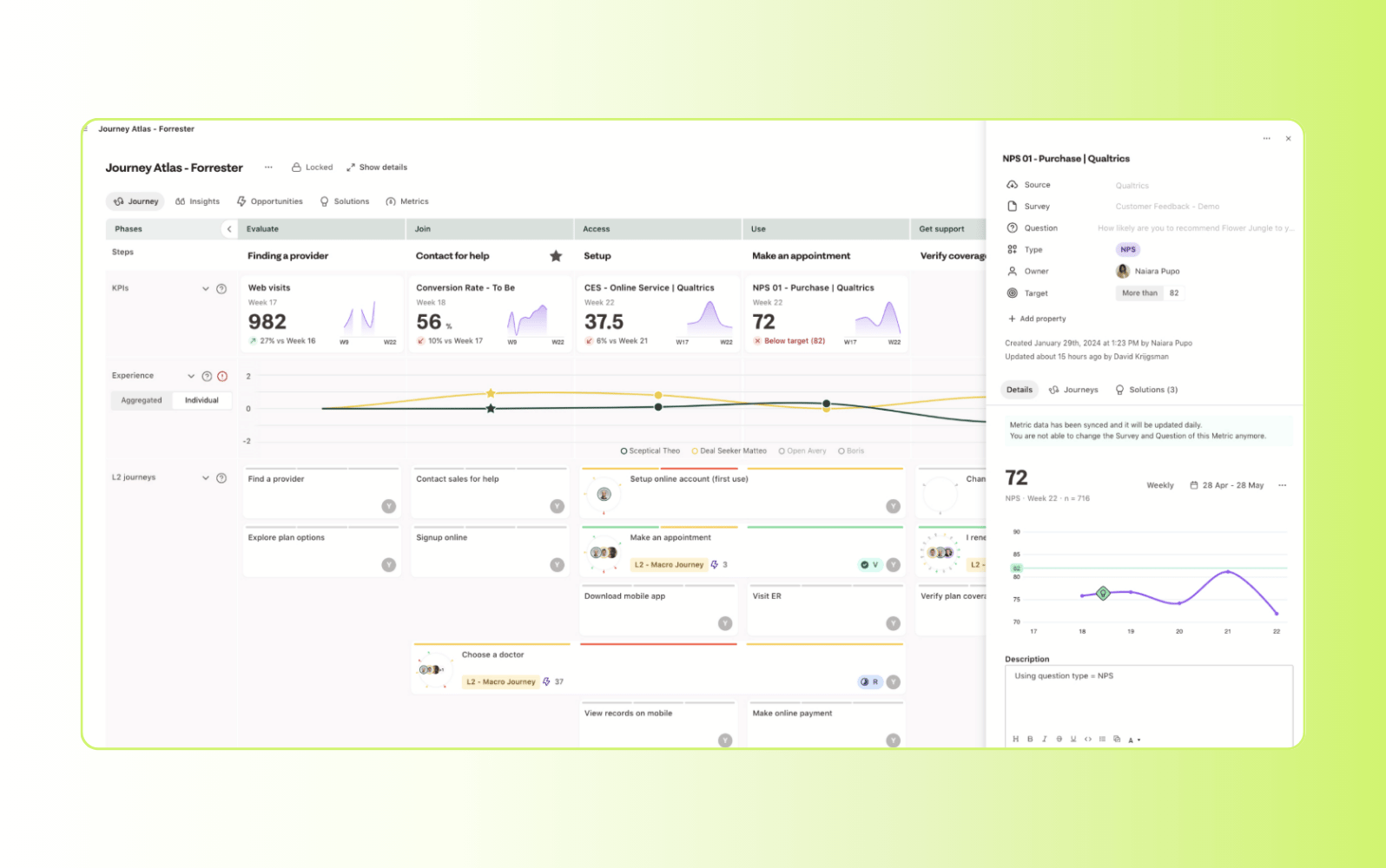
TheyDo is a customer journey management platform for mapping, organising, and improving customer experiences. It gives teams a shared workspace to connect customer journeys, business goals, customer insights, and opportunities, so different departments can align around the same view of the customer.
Teams can use TheyDo to standardise journey frameworks, summarise insights, prioritise opportunities, and collaborate across customer experience, product, marketing, and service teams. However, it’s more focused on journey management than deep behavioural analytics, so teams may need additional tools for advanced data analysis.
|
Pros |
Cons |
|
|
What people are saying:
- "I love the versatility of the tool. The free plan is limited." - Verified user, G2.
- "It's a sophisticated platform. The tiers are getting out of hand expensive." - Verified user, G2.
- "You have lots of options to customise your boards, but standard templates would be helpful." - Verified user, G2.
5. Quantum Metric
Best for digital experience analytics
|
Starting price |
Free trial |
Key features |
|
Custom pricing |
30 days |
|
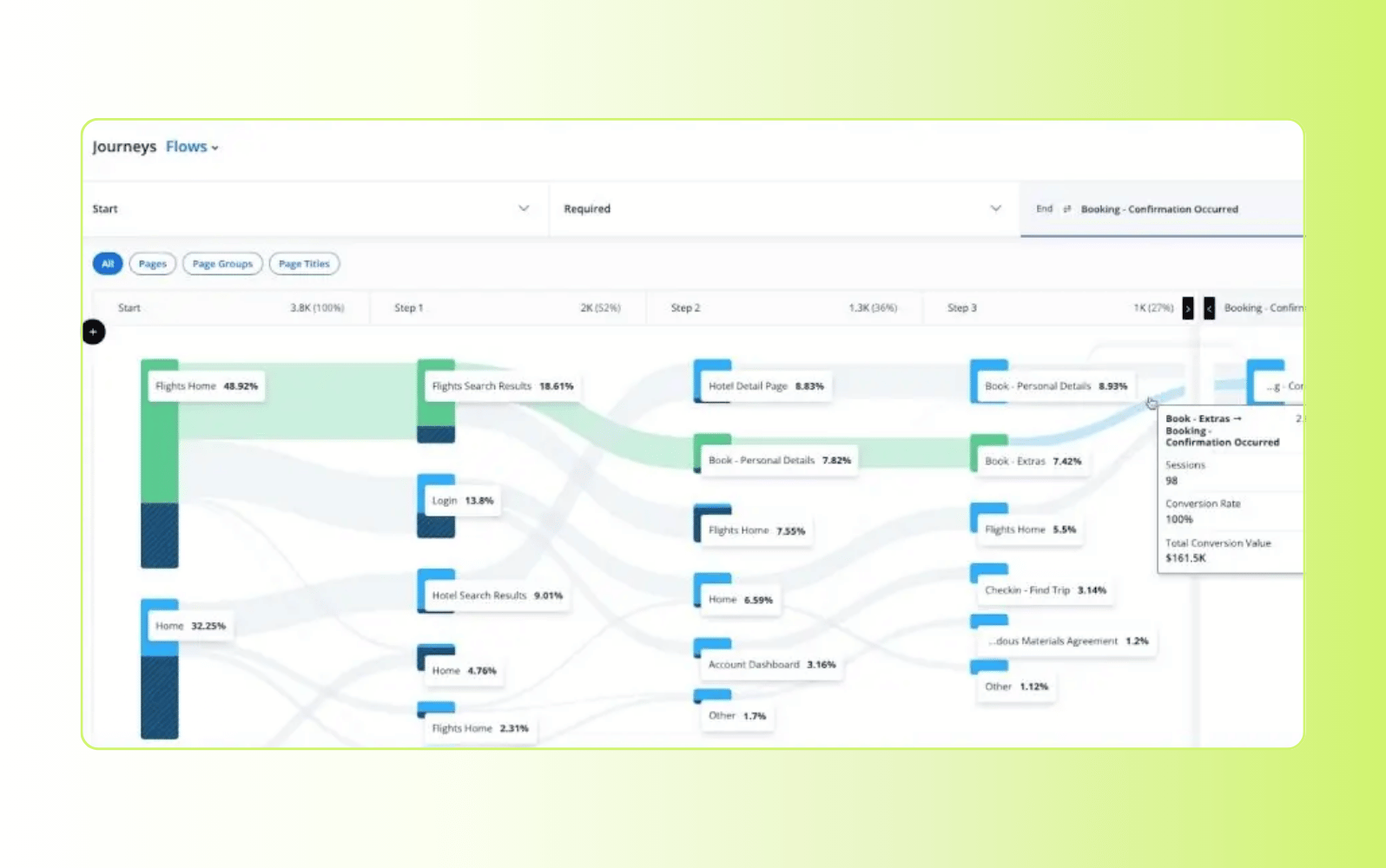
Quantum Metric is a digital analytics platform for understanding customer behaviour across web, mobile, and digital product experiences. It gives teams visibility into customer journeys, interaction patterns, friction points, and conversion issues. Teams can investigate those issues with session replay, heatmaps, journey analysis, monitoring, and alerts.
Teams can use Quantum Metric to identify where customers struggle, connect feedback to behaviour, and prioritise digital experience improvements. However, it’s more focused on digital product and web experiences, so teams may need another system for broader service operations or customer support workflows.
|
Pros |
Cons |
|
|
What people are saying:
- "Provides value but needs improvements." - Verified user, G2.
- "Powerful Insights for UX, But Steep Learning Curve for Beginners" - Verified user, G2.
- "General functionality is great but reporting and alerting could be improved." - Verified user, G2.
6. JourneyTrack
Best for governed journey decision-making
|
Starting price |
Free trial |
Key features |
|
From $35K/year (about 26K £) |
30 days |
|
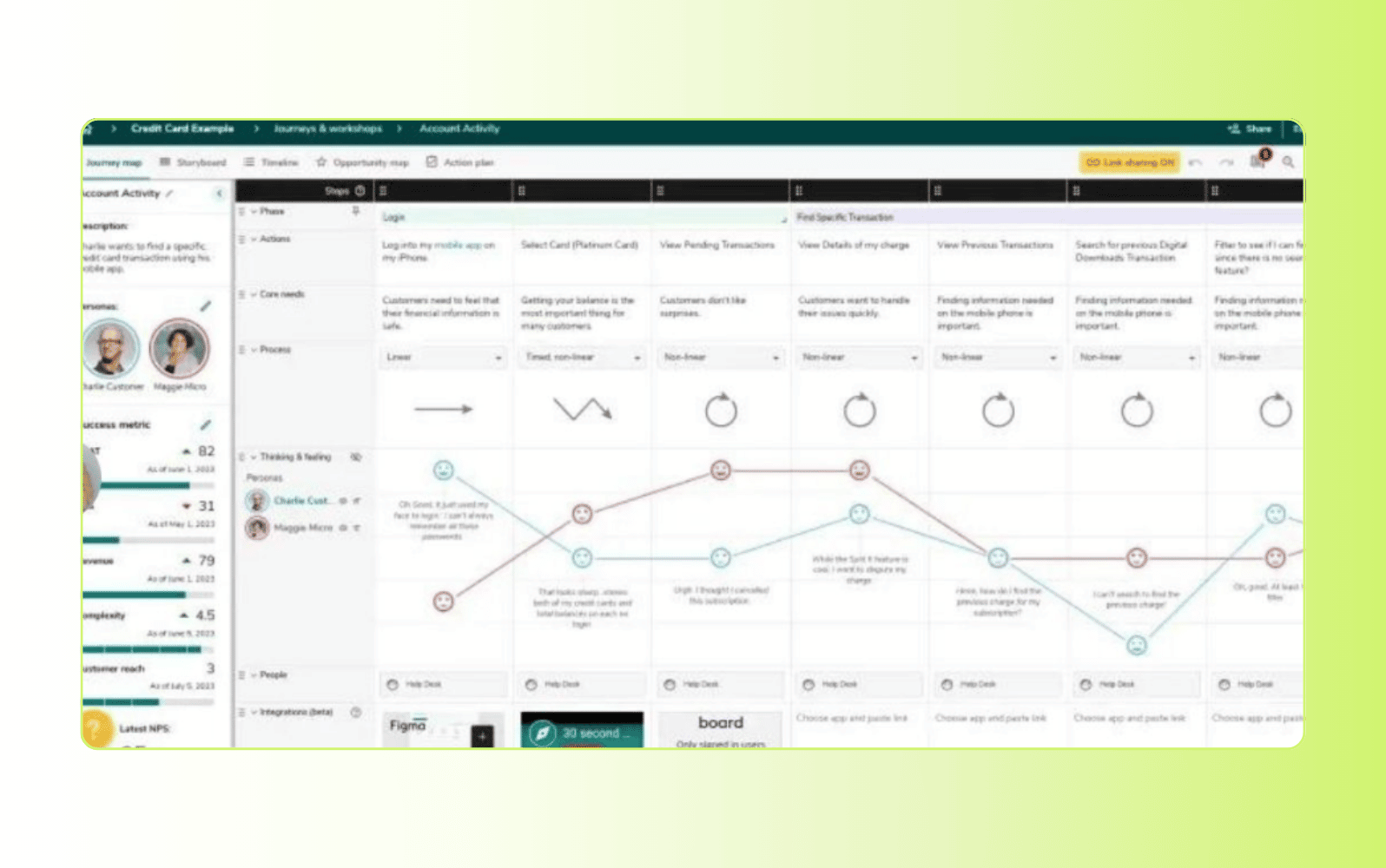
JourneyTrack is a customer journey management platform for mapping, prioritising, and improving customer experiences. It gives enterprise teams a governed workspace for journey maps, personas, opportunities, decisions, workflows, and impact measurement across customer touchpoints.
Teams can use JourneyTrack to decide which journey moments to improve, assign ownership, track expected outcomes, and measure whether changes work. However, it is more focused on journey management and decision intelligence than deep behavioural analytics, so teams may need a separate analytics platform for complex data exploration.
|
Pros |
Cons |
|
|
What people are saying:
- "The software is excellent, but it needs improvements in user experience." - Verified user, G2.
- "JourneyTrack is a function-rich and well designed user journey mapping tool that is easy to use." - Verified user, G2.
- "A good start for less mature journey teams." - Verified user, G2.
Frequently asked questions

With Guide, Skyscanner saw an 18 percentage point increase in CSAT and a 76% drop in first response time (FRT)
“The customer self-service function of Zendesk Guide has contributed to a significant increase in customer satisfaction.”
Jon Thorne
Senior User Satisfaction Manager
Read customer story
Turn customer journey insights into action with Zendesk
The best customer journey analytics software turns scattered interactions into a clear view of where customers go, where they get stuck, and what teams should improve next. With the right platform, CX leaders can reduce friction, raise customer satisfaction score (CSAT) and Net Promoter Score (NPS), and prioritise fixes that have the greatest impact on the customer experience.
Zendesk connects customer conversations with service analytics, AI-powered insights, AI agents, knowledge, quality assurance, and workflows, so teams can move from journey visibility to measurable improvement faster.
Related customer journey analytics software guides
Explore these related resources to deepen your understanding.
Related posts

AI customer service agents: A guide to the future of intelligent support
AI agents can understand and resolve even the most sophisticated customer issues. Learn how they can boost customer satisfaction, improve service efficiency, and drive revenue.

Zendesk customer journey map - understand your customers
Customer experience is more important now than ever before. Today, a staggering 80 per cent of…

Adapting to the shifting customer journey: Conversational business goes mainstream
The way humans communicate is constantly changing. From the onset of emails and mobile phone SMS…

Customer journey map: What it is and how to create one (and examples)
Every company wants to understand what makes customers come to their business – and what makes them leave.