Email Tracking
Notice if and when customers open your emails.
About this app
Zendesk Email Tracking app
"Did the client open my email?" You will never have to ask that question again with read receipts from Email Tracking.
This Zendesk email integration offers unique features such as monitoring email open rates, tracking link clicks, and seeing replies.
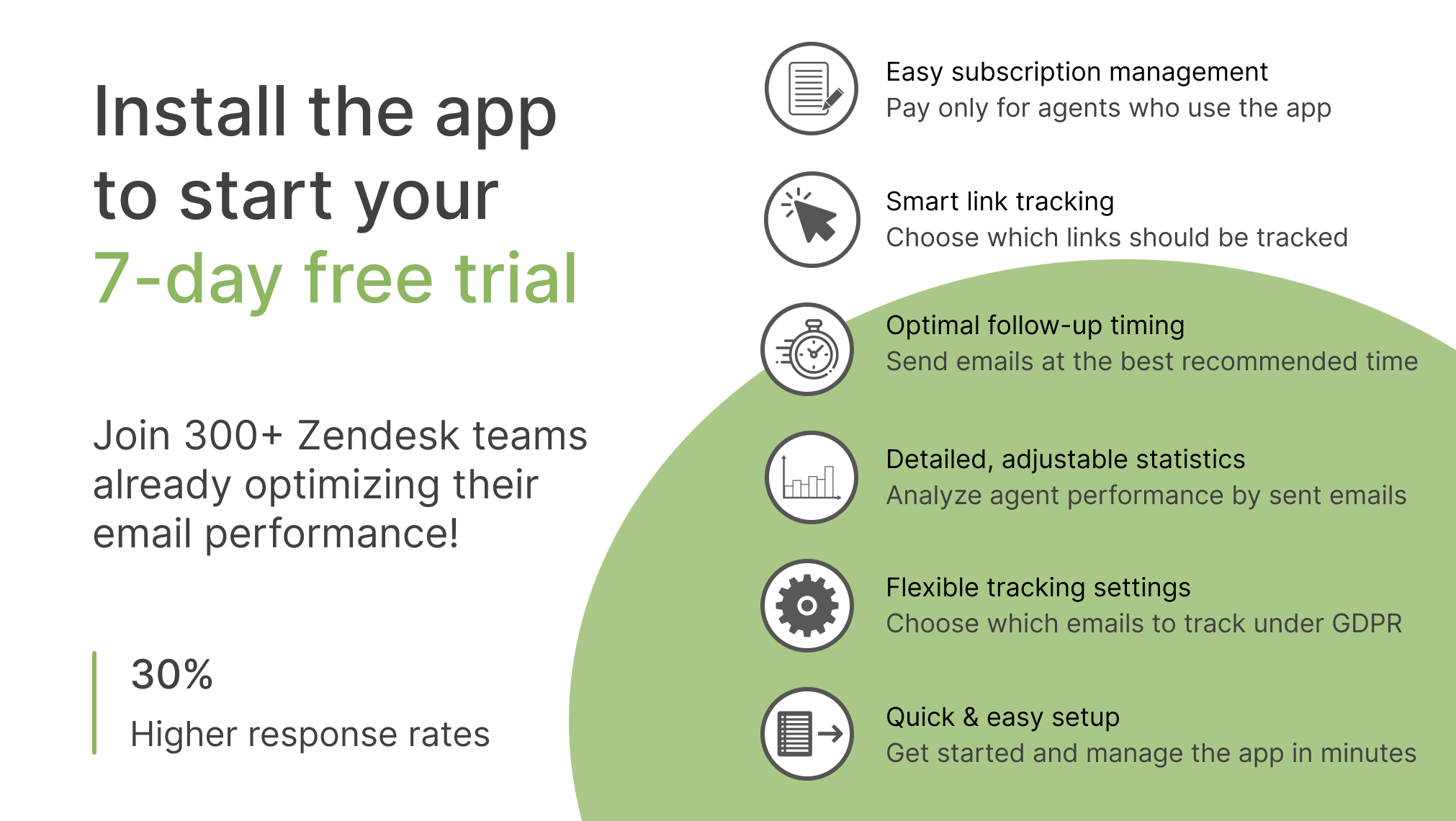
Try it for free for 7 days.Simply install a plugin to your Zendesk.
Want to get a personalized app setup? Book a 15-minute demo to customize Email Tracking for your team and get started faster.
How does it work?
Email Tracking for Zendesk Support shows you exactly when customers open your emails and click links. See which clients are engaged and when it’s the right time to follow up.
Turn email data into action
Respond faster and prioritize customer requests
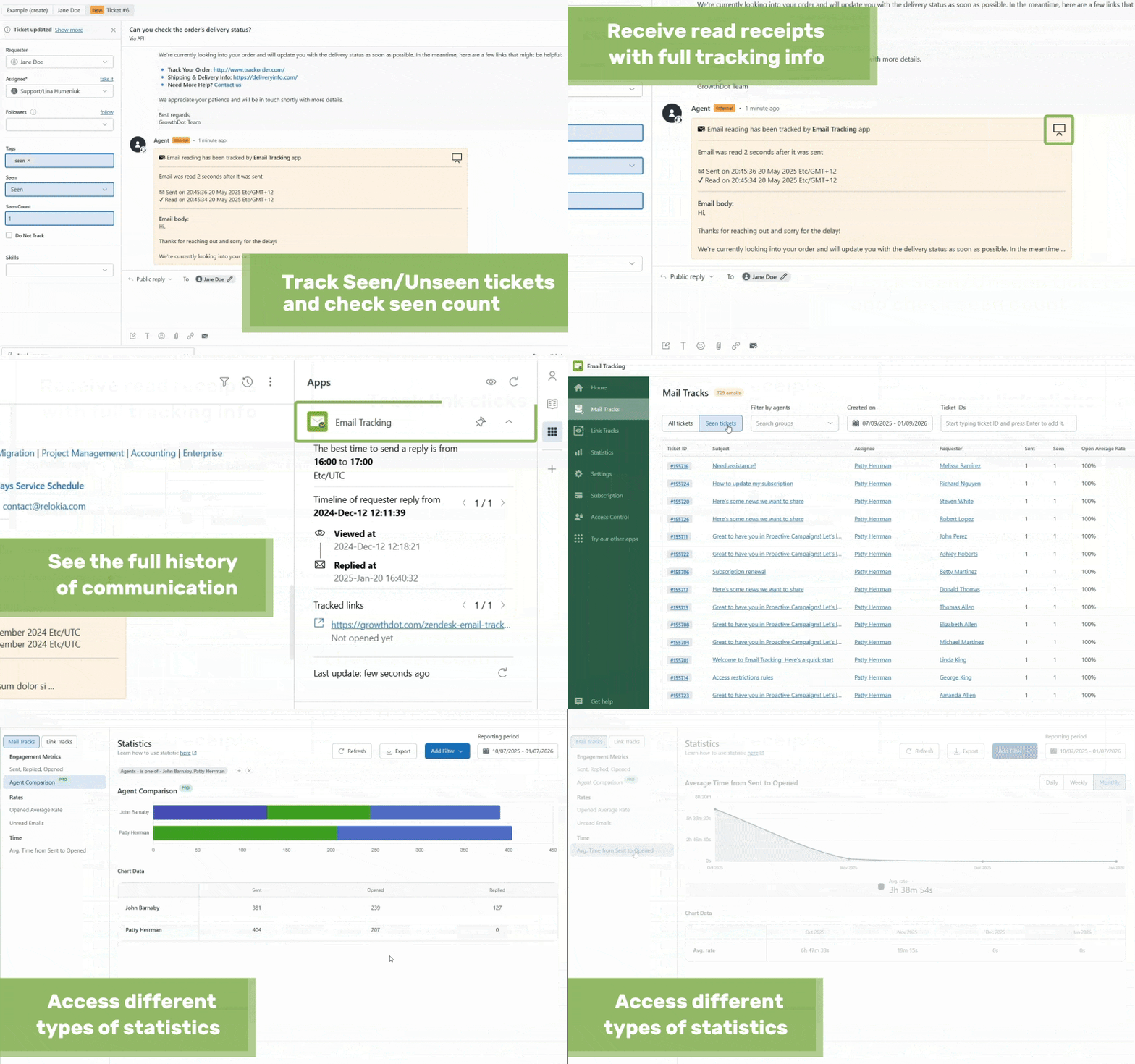
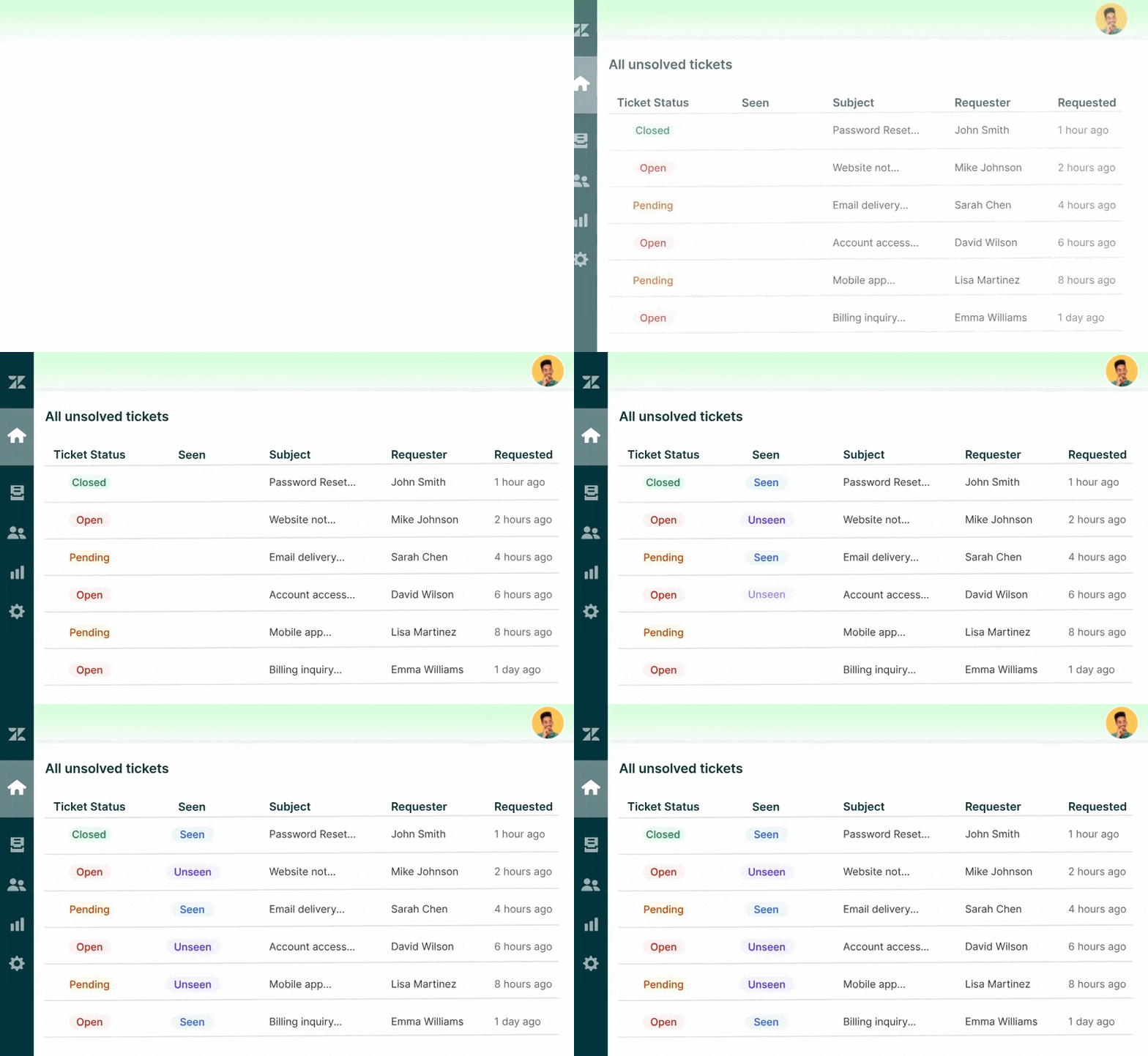
Email tracker app shows which messages are read or unread and notifies you the moment a customer opens an email. Create personal views for read/unread tickets, set up triggers, and automate follow-ups. Focus on urgent requests, prevent issues, and ensure no customer gets overlooked.
Key features for support teams:
Instant notifications when emails are opened.
Seen/Unseen columns in personal views for better workflow management.
Full history of email engagement with recommended follow-up times to optimize responses.
Improve team performance and customer satisfaction
Use email engagement data to track how each agent’s messages are performing and monitor overall team trends. Identify gaps, coach agents, and use detailed reports to evaluate workflow changes, compare productivity, and conduct fair performance reviews.
Key features for support leaders:
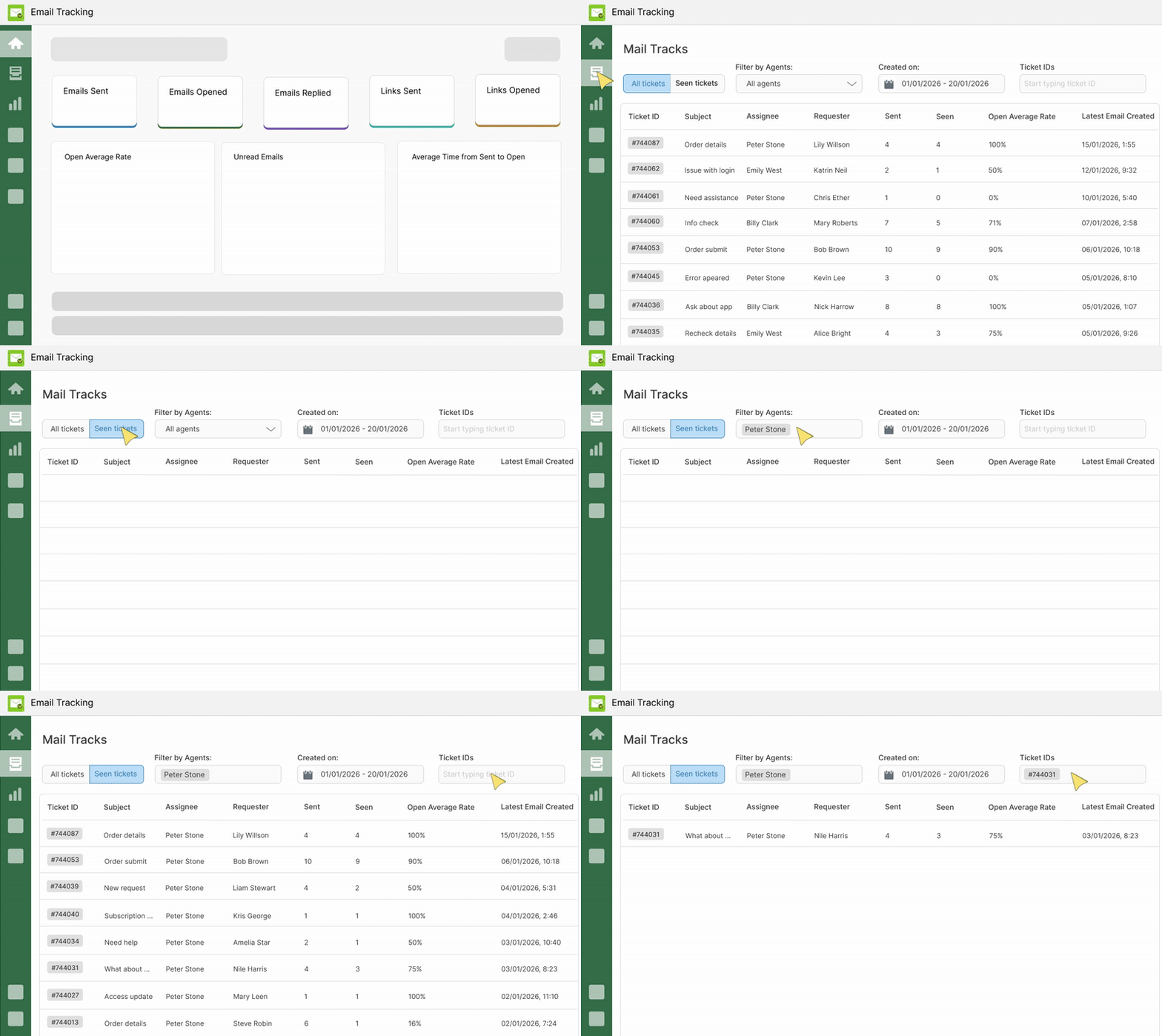
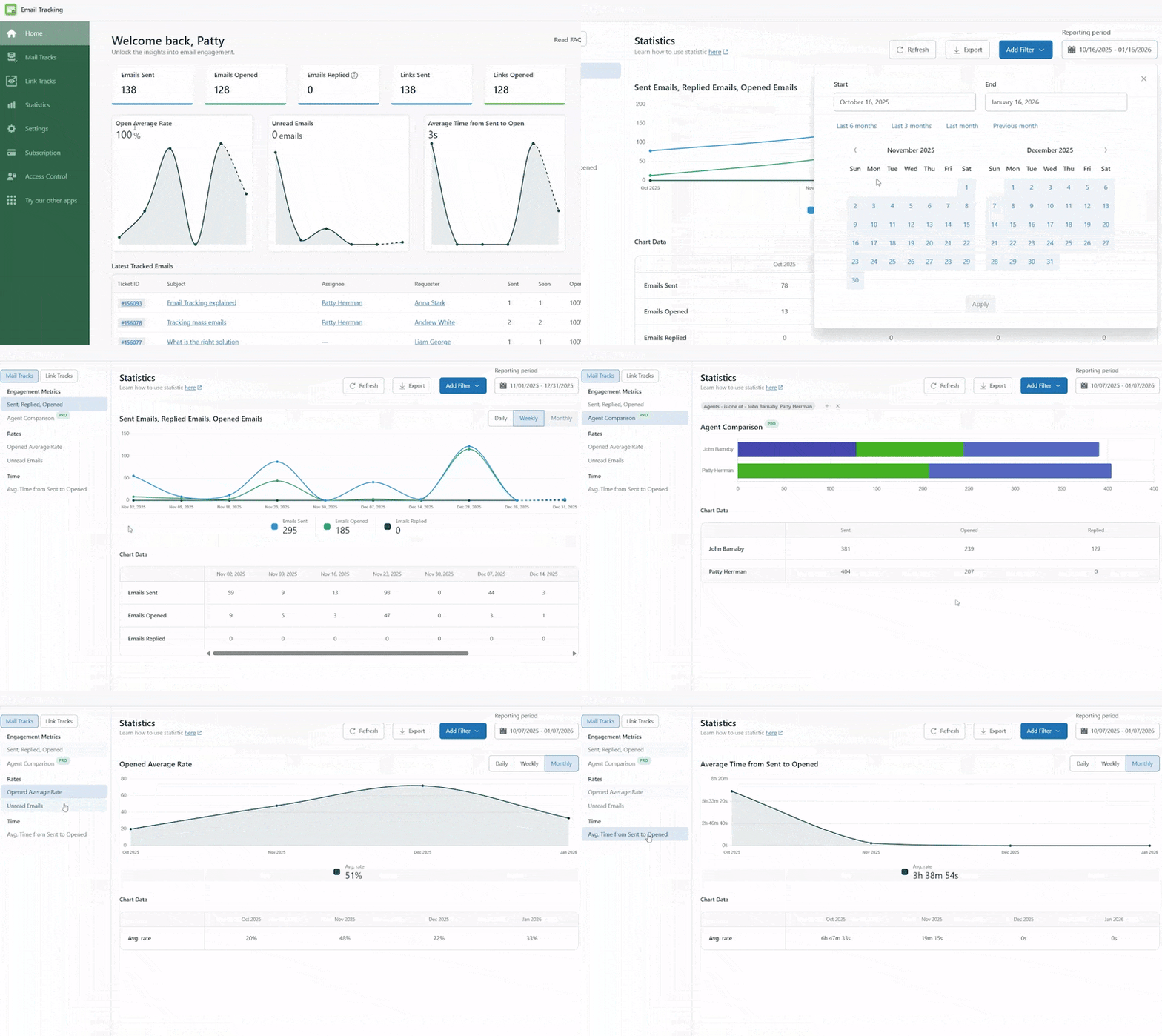
In-app statistics by email and ticket ID to analyze each message for improvements.
Reports to track changes in user engagement over time and team insights.
Ability to detect unread emails or unopened links to prevent missed messages.
Ensure your team reads internal communications
When sending internal updates, guides, or policy emails, know who actually opens them. Track engagement, optimize content, and make sure your team stays aligned — all with integrated Zendesk tracking.
Key features for internal doc tracking:
Complete history of email openings and link clicks for each ticket.
Notifications to ensure key messages are read.
Device info to know which devices (desktop or mobile) are most often used to read emails.

Maximize email campaign results
Measure the success of bulk and individual emails. Track opens, link clicks, and reading percentages across all campaigns (integartion with Proactive Campaigns). Use insights to optimize follow-ups, improve content, and drive higher engagement rates.
Key features for marketing teams:
Campaign-wide email and link tracking.
Real-time engagement data for follow-ups.
- Integrating email tracking into the Proactive Campaigns app for full campaign statistics.
Pay only for agents who have access to the app
Choose how many agents will actively use the Email Tracking app in Zendesk and pay only for them. Check out pricing for more information.
✅FAQs:
Are agents' emails tracked immediately after installing the app?
No. Tracking does not start automatically. Agents must authorize the app, and one agent needs to enable the necessary triggers in the 'Select Emails to Track' section of the app settings. Once done, tracking begins for authorized agents.
Can we see who opened the email (customer or ticket followers)?
Yes. If a ticket follower opens an email, the app adds an internal note showing who read it, giving you clear visibility of engagement.
If the ticket is closed, will we still receive updates about email opens or link clicks?
No. Once a ticket is closed, the app stops tracking email opens and link clicks.
Is my email and customer data safe with Email Tracking app?
Yes. The app only accesses the minimal data needed for tracking. All processing happens inside Zendesk, and your data is encrypted and securely stored on AWS. Our hosting provider complies with ISO/IEC 27001:2013, ensuring high standards for information security. Your data is never shared with third parties.
If you still have questions about Email Tracking, ask us at contact@growthdot.com.

Want to try the app? Go ahead and start your free trial now!
App details
How to install
Follow these steps to install and start tracking email opens with Email Tracking:
- Step 1: Install the app from the marketplace by simply clicking the ‘Install’ button on the right.
- Step 2: Select your Zendesk Support instance and proceed.
- Step 3: Enable the app in Admin -> Apps -> Manage.
- Restrict or allow access for specific groups or agents to Email Tracking at any time. Pay only for those who use the app and only for a particular period. Follow these steps to do it.
- Step 4: Start using the email tracker and getting the read receipts. Never wonder if the customer opened your email again!
Leave a review
Share your experience with the rest of the Zendesk community